Today Adobe released a brand new version of Photoshop Elements and I'm here to walk you through the new features. You can watch my full video review here, or scroll down to read my written summary.
This year Adobe is making it easier than ever to access your photos wherever you are with their companion apps. The apps are still in the Beta testing phase, but web, iOs and Andriod apps will allow you to easily transfer photos to your Elements Organizer and create slideshows and collages and view a variety of photo projects.
Photo Editing
Let's get into the new features in the photo editor. There's some new features, as well as improvements to some existing features such as making the marching ants selection outlines more visible.
Moving Elements
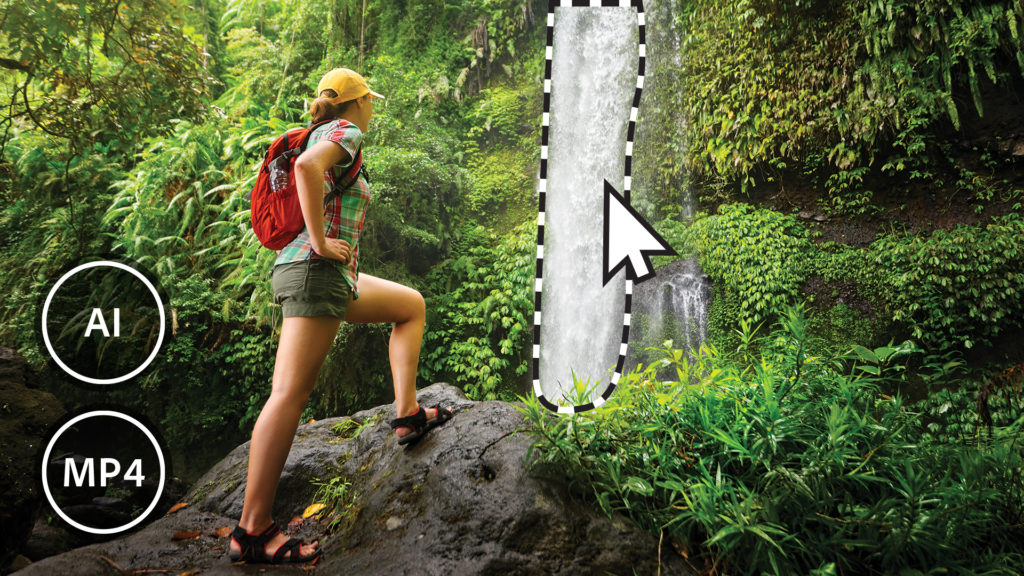
In Elements 2023, Adobe introduces Moving Elements, a feature that will allow you to bring a touch of movie magic to any photo. Select the area to animate, choose the direction, adjust the speed, and then save your photo as an MP4 or GIF to share on social.
Head to the Enhance Menu > Moving Elements. Here's the steps:
- Use the selection tools to select the region you want to animate
- Add a direction arrow along the desired path
- Set the speed value for arrow
- Preview your image
- Adjust the results
- Save it as an MP4 or GIF
Guided Edit Search
Photoshop Elements 2023 introduces Guided Edit Search. This search section allows you
to find the right Guided Edit from the 60+ guided edits in PSE.
Easily find what you want to do or discover new things to try by searching on familiar terms, using
keyword tags, or choosing from popular options.
To use this feature, click the Search icon in the Guided workspace and you can type in the Search bar to directly search for the Guided Edits or click on tag based searches to instantly bring up all edits related to a keyword.
Peek Through Overlay Guided Edit

Create the illusion of depth in any photo by framing your subject with natural and realistic overlays
such as flowers, leaves, grass, and more. Easily resize, adjust blur, or add a vignette to get just the
look you want.
To use this feature:
- Open Photoshop Elements Editor
- Go to File> Open to open your image
- Switch to the Guided mode
- Navigate to the Peek-Through Guided Edit under the Fun Edits category.
Replace Background Guided Edit

Try fresh looks for your photos with new backgrounds in the Replace Background Guided Edit.
Pattern Brush Guided Edit

You can check out 20 new patterns in the Pattern Brush Guided Edit.
Organizer

Photoshop Elements Organizer sees improved performance over previous years. All media thumbnails take 60% less time to generate than the previous versions. There's new Slideshow Themes and slideshows open and preview in almost half the time, so you can get Organized even faster than ever!
Elements Organizer: Import Cloud Photos
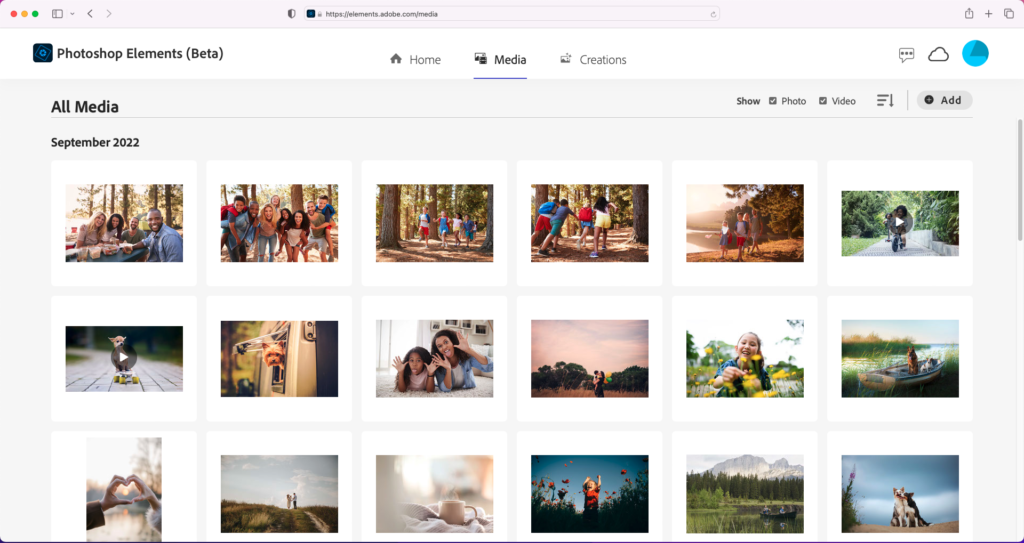
Elements Organizer 2023 supports the import and export of photos and videos to Elements Web.
So you can share your favorite photos, videos and slideshows with friends and family thanks to the sharing features on Elements Web.
Mac
This year Photoshop Elements, Premiere Elements and Elements Organizer run natively on Apple ARM machines. Photoshop Elements will have 35% faster launch performance and Elements Organizer will be 50% faster on MAC Intel.
Quicker Installation
Compared to Photoshop Elements 2022, Photoshop Elements 2023 installs up to 30% faster and the space it takes up on your hard drive is 29% smaller compared to previous
version. We can't complain about that!
Adobe Camera Raw
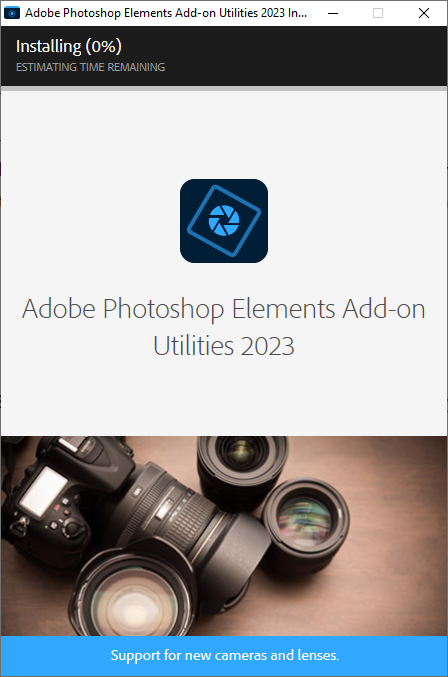
The Adobe Camera Raw (ACR) Plugin is still available it has been decoupled from PSE to reduce the download size of build. However, it's super easy to install Camera Raw for all your DSLR editing needs. Just head to Help > Install Camera Raw...
Adobe Photoshop Elements Add-on Utilities 2023 will start to install and you'll be able to use ACR as usual.
Are you Ready to Buy?
You can purchase Photoshop Elements 2023 from Amazon here. If you aren't quite ready, here's my post with a break down of whether you should upgrade.
Happy scrapping!

I am an Amazon affiliate so may receive a commission if you make a purchase.
This post contains affiliate links. This means that if you click through that link and purchase an item, I may receive a commission for referring the sale.
I only recommend classes and products that I know and trust. Thank you for using my link if you decide to purchase.
Melissa Shanhun is a participant in the Amazon Services LLC Associates Program, an affiliate advertising program designed to provide a means for me to earn fees by linking to Amazon.com and affiliated sites. As an Amazon Associate I earn from qualifying purchases.


Great. I think I should upgrade. I have PSE 15. What is the Web Companion?
I would definitely upgrade from PSE15! Web companion is an online app to allow you to share photos from your phone and PSE Organizer via links or social media. I’ll be doing a video on it soon!
Great video. Should I upgrade, I have PSE 2021. Also, what is the Web Companion?
Thanks.
Since PSE2021, there’s been a LOT of improvements in the Organizer and several new guided edits, the warp tool has been added. So if you won’t use the Organizer and aren’t interested in making your photos into moving images I’d skip this upgrade.
Web companion is an online app to allow you to share photos from your phone and PSE Organizer via links or social media. I’ll be doing a video on it soon!
bonjour ,je suis très en colère je viens de l’acheter et quand je veux faire bouger une cascade sa deviens gris; alors que j’ai payé 150 euros
Je suis désolée que le ‘Moving Éléments’ ne marche pas bien pour vous. Des fois il faut régler des outils comme ça petit à petit pour que ça marche.
J’ai l’intention de faire un video avec plus d’infos sur cet outil bientôt!
Si vous voulez, vous pouvez envoyer un email à help@digiscraphq.com et je peux vous aider plus.
Does Elements 2023 have puppet warp?
Hi Paul
It doesn’t have puppet warp, but it includes the new warp tool that was added in PSE2022
You can see this in my review here https://digitalscrapbookinghq.com/review-whats-new-in-photoshop-elements-2022/
Hope this helps!
Melissa
Does Elements 2023 work correctly with Mac OS Monterey?? My 2020 and 2022 versions will not, before I upgrade once again….I need to know.
Thanks!!
Hi Elaine
You would need to be on Mac OS 12.4 or later. I hope this helps! If you aren’t certain, perhaps download the trial version first https://DigitalScrapbookingHQ.com/PSEtrial
Melissa
Hi, really very interesting and comprehensive videos! But what with the Camera Raw Filter? Any thought or guidelines (or videos?) about that? I have PSE 2023 newly installed, have the ACR 15.1.1 but in the Filter menu, it never pops up. Anyway, I am getting along fine right now, thanks to you!
Hi Kris, to access Adobe Camera Raw, you go to File – Open in Camera Raw. I hope this helps!
Melissa