Have you ever looked at digital scrapbook pages and thought - that's all well and good, but I wish I could create something like this on my iPad? Well, today is your lucky day - Kelly Sill, owner of Pixels to Pages is my go to expert on scrapbooking on your iPad.
- Melissa
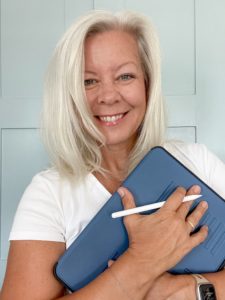
Hi friends! First I wanted to thank Melissa for inviting me to be a guest blogger here. I am so excited to share with you why I love memory keeping with Affinity Photo for iPad. But first just a little personal background: My husband and I have been married for almost 35 years. We have two grown sons, a daughter-in-law, and a little Yorkie named Zoe. We were a military family for 26 years, and after my husband retired, we decided to make our home on Florida’s Gulf Coast. It’s not our forever home, but for now, we love living on the water!
My documenting began over 30 years ago, shortly before our second son was born. Long story short, I feel like I’ve been a part of this industry since its infancy and have tried every scrapbooking trend that has ever come along over the years. Because of this, the amount of supplies I had collected was really overwhelming. It was paralyzing. It reached the point to where I wasn’t documenting much. Something had to change.
In 2017, I was still documenting with physical products. In June of that year while watching Apple’s World Wide Developer’s Conference, Affinity Photo for iPad was mentioned as it was a top new app being released in the App Store. Seeing that it was so much like Photoshop, I knew I had to try it out and I had the perfect project to test it out on–a December Daily album. I hadn’t finished my 2016 December Daily.
We were heading out of town to San Francisco for a long weekend and knowing we had a 5-6 hour flight ahead of us, I thought this would be the perfect time to try out Affinity. I downloaded the digital versions of all the Ali Edwards’ physical products I had, and uploaded them into iCloud Drive. By the time we came home from San Fran, my 2016 December Daily Album was complete. I was hooked. With the exception of Ali’s scrapbook products and solid card stock, I got rid of all of my supplies–papers, rubber stamps, embellishments. All gone.
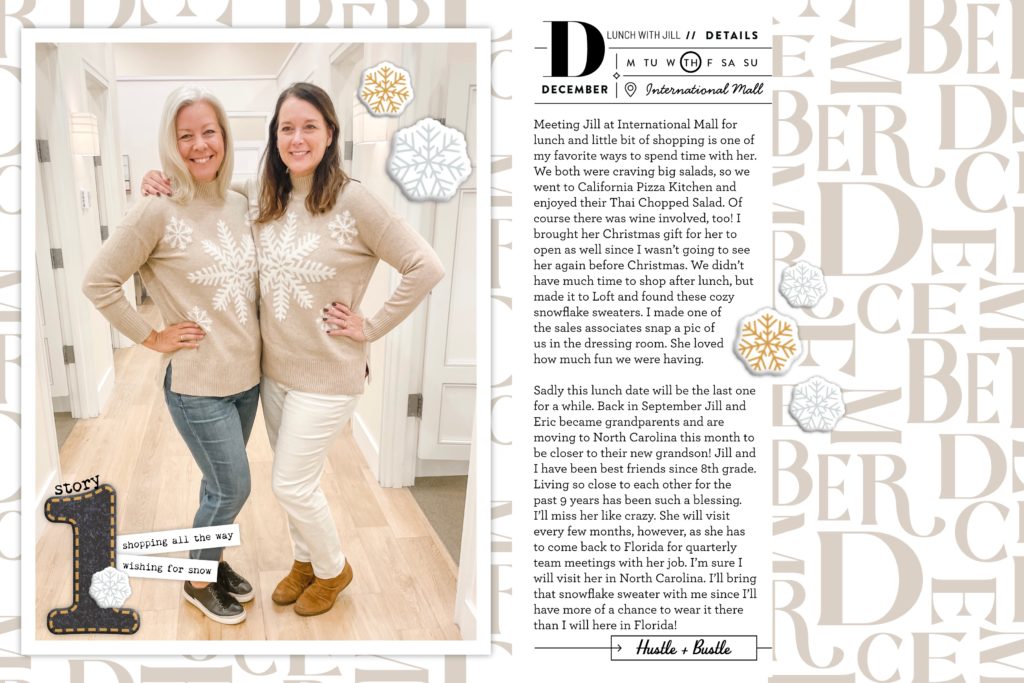
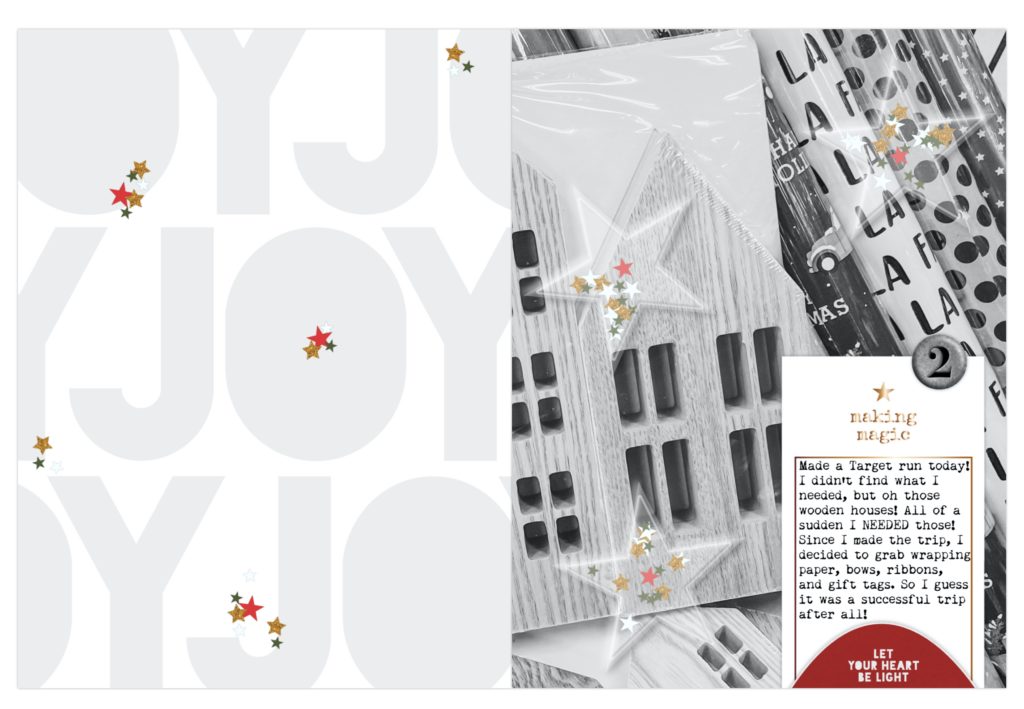
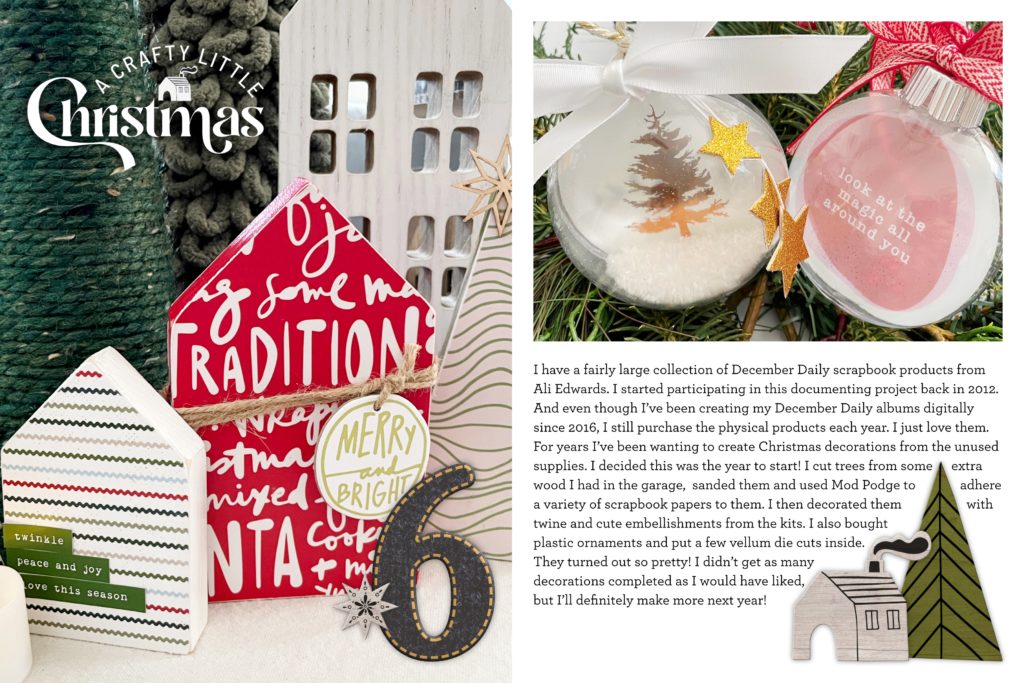
I divided everything up and gave some to a local elementary school art teacher, an assisted living home, and a local arts program. It felt so good. The clutter was gone and I felt like documenting again. But even though we don’t have little humans running around the house anymore, It’s fun to scrap life in the empty nest. For the past several years I’ve been documenting in a weekly or monthly format.
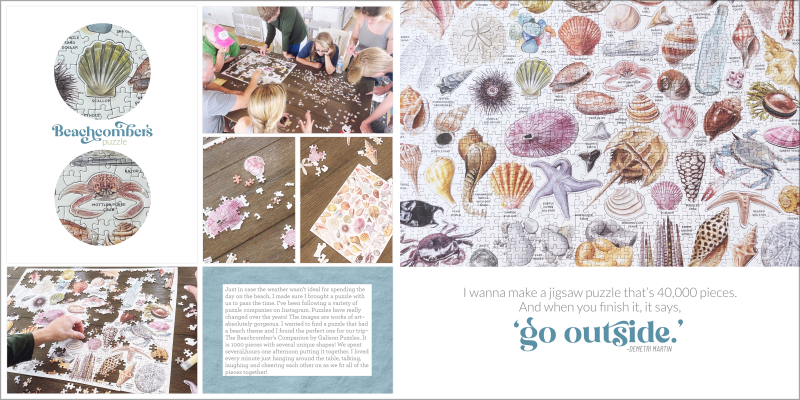
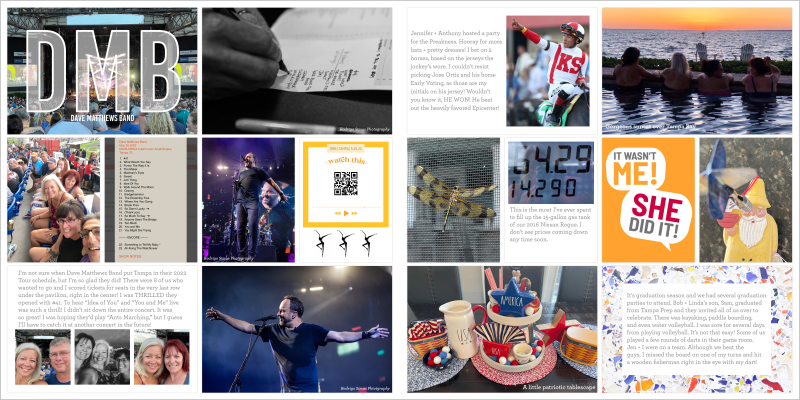
However, 2023 has been a year to reset. I’m taking more of an “I’ll scrap what I feel like” approach and not taking photos of every little thing around me. And it’s been great. I feel like by doing this I can focus more on the story. I haven’t shared much from my 2023 album online this year as the stories are a little too personal, but I am loving this approach. We do have a big trip coming up that I will be documenting, though! You can bet those pages will be shared over all my social media platforms!
How to Set Up your iPad for Success

I use Affinity Photo for iPad along with the Project Life App when documenting our family photos. When I create my December Daily albums, I only use Affinity Photo for iPad. It might be helpful for some readers to understand how I have things set up on my iPad. I am a BIG believer of keeping all the things under the Apple Tree. Here are few things I have done to make documenting with Affinity as seamless as can be.

- I keep the photos in my camera roll at full-resolution, meaning in the Photos settings on my iPhone, “Download and Keep Originals” is selected, NOT “Optimize for Storage.”
- My digital scrapbook kits are stored in iCloud Drive. I only use products from very few designers so it is easy for me to keep them organized.
- I use “carousel windows” to drag/drop photos or digital elements to my layouts.
- I keep things organized in Affinity by project.
- Using an Apple Pencil is super helpful as some of the icons in Affinity are very small and the point of the pencil makes it easy to select things instead of using a fingertip.
- When I am finished with a layout I export it to my camera roll and place it in an album.
Affinity Photo for iPad may seem intimidating, as there is a learning curve to understanding how to use it. But don’t let that scare you, as the benefits of learning how to use it far outweighs that learning curve:
There is no subscription needed. Once you buy the app, it’s yours.
Affinity Photo for iPad supports PSD files. So you can use your Photoshop files in Affinity.
It is a fully functioning professional editing program. It’s the only mobile app out there that can give you a desktop scrapbooking experience on your iPad. If you are looking to ditch your desktop and go mobile, Affinity will let you do it!
Scrapbooking Focused Classes
Documenters may shy away from learning how to use Affinity because many of the tutorials out there demonstrate how to use the app in a professional, photographic environment. It may be hard for someone new to the app to watch those videos and wrap their head around how they are supposed to use it to build scrapbook layouts. That is the reason I teach classes about Affinity! I show you how to use the app in the way we as memory keepers use it, not how professional photographers or digital artists do.
Right now there are three classes in the Pixels to Pages Classroom that focus on Affinity Photo for iPad. I would love for you to check them out here.
If you want to give any a try, offering Digi Scrap HQ readers a 15% off coupon, good for any of the classes through September 30, 2023. The discount code is P2P15. There is also an Understanding iCloud Drive class that is absolutely free!
Thank you so much for taking the time to read! Remember, “Memory keeping is not a hobby. It’s a lifestyle.”
I invite you to connect with me on social media! You can find me here:
Website
Instagram: @pixelstopages
Pinterest
Facebook
What would you like to learn about scrapping on your iPad? Feel free to ask me in the comments!
I am an Amazon affiliate so may receive a commission if you make a purchase.
This post contains affiliate links. This means that if you click through that link and purchase an item, I may receive a commission for referring the sale.
I only recommend classes and products that I know and trust. Thank you for using my link if you decide to purchase.
Melissa Shanhun is a participant in the Amazon Services LLC Associates Program, an affiliate advertising program designed to provide a means for me to earn fees by linking to Amazon.com and affiliated sites. As an Amazon Associate I earn from qualifying purchases.


Great info, thank you!
Hi Jenna! I’m glad you enjoyed the post – it’s fun to learn about the different options out there for digital scrapbooking!