Ready to unleash your creativity with a free Photoshop Elements trial?
I'm excited to guide you through grabbing a seven-day free trial of Adobe Photoshop Elements 2025. No credit card is required for this instant download, and it's available for both Windows and Mac. Let's explore how you can get started, and I'll share some handy tips to make the most of your trial.
How to Download and Install Photoshop Elements Trial
First, head over to the Adobe website and click on the download button for your operating system, whether it's Windows or Mac.
Once the download is complete, navigate to your downloads folder and run the installer file.
You'll need to allow the program to make changes to your computer, and then you're ready to go.
The trial version gives you access to all Photoshop Elements features, so you can explore everything it offers.
Pricing and Upgrade Options
Thinking of purchasing after your trial?
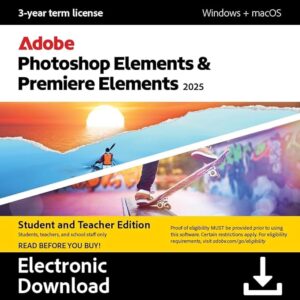
In the US, Photoshop Elements is priced at $99, with an upgrade option for $79 if you already own a previous version.
There are also bundle deals available with Premiere Elements and discounts for students and teachers.
It's a great opportunity to get creative with both photo and video editing.
You can purchase from Adobe direct (save 40% until the 18th August, 2025) or from Amazon (I may earn a commission if you buy from Amazon)
Features of Photoshop Elements
Once installed, you'll find three main options: the photo editor for digital scrapbooking and photo editing, the video editor for crafting videos, and the organiser for managing your media.
If you're new to the organiser, I offer a class called Organiser for Absolute Beginners that can help you get started.
For those with an overload of digital scrapbooking supplies, my Get Organised Supplies system can streamline your workflow without hours of tagging.
Spend time scrapbooking and telling the stories you love.
Organise Your Digital Scrapbooking Supplies
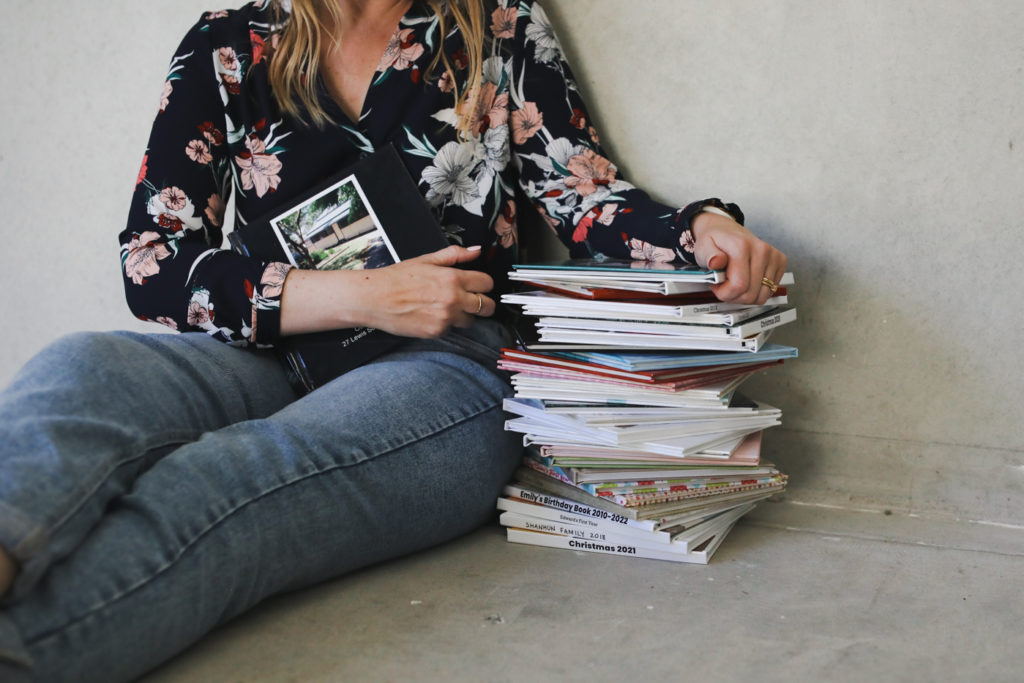
If your desktop and drives are cluttered with digital scrapbooking supplies, you're not alone.
My five-step system within Get Organised Supplies uses ready-made keywords and automatic features in Photoshop Elements organiser to help you tidy up.
This way, you can focus on creating beautiful scrapbooks rather than managing files.
You'll end up with a pile of completed albums rather than another external hard drive filled with supplies.
Key Takeaways
- Download Photoshop Elements 2025 trial for free without using a credit card.
- Available for both Windows and Mac.
- Explore photo editing, video editing, and media organising features.
- Upgrade options and discounts are available for students, teachers, and previous version owners
With Photoshop Elements 2025, you have the tools to bring your creative projects to life.
If you're intrigued by what you've read, why not try the trial and see for yourself?
If you found this post helpful, please share it with one other person who might benefit from a free trial of Photoshop Elements.
And remember, for more tips and tutorials, you can search in the sidebar or at the bottom of the blog.
I am an Amazon affiliate so may receive a commission if you make a purchase.


Leave a Reply