Digital Scrapbooking HQ

Learn to Scrapbook Using Your Computer

  • Blog
  • Classes
  • Book Melissa
  • About
  • Contact

Community Spotlight: Simply Project Life

November 3, 2021 By Melissa Shanhun 2 Comments

Let's welcome Jenna to the blog today to share more about hew scrapbooking journey, and the awesome Simply Project Life group.

-Melissa
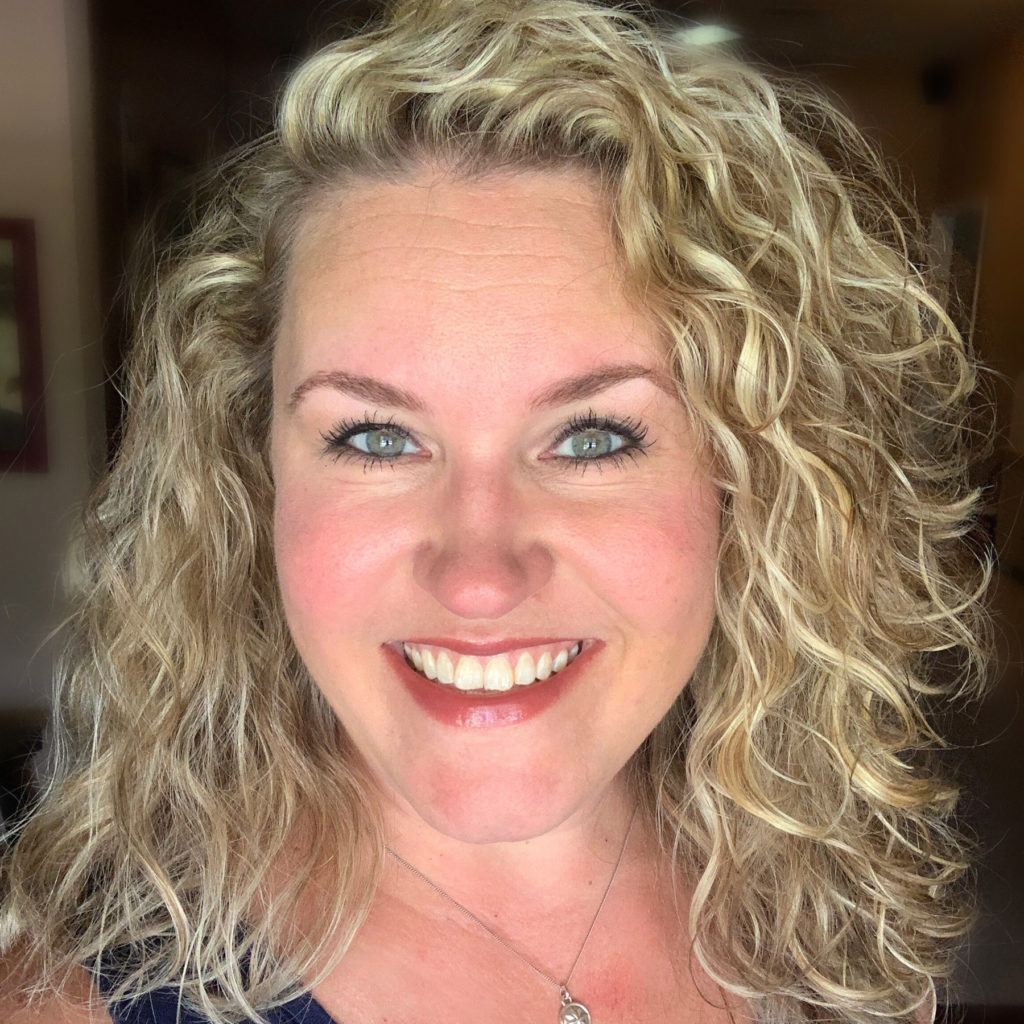
Hello there! I'm Jenna Fortner and I live in Fort Worth, Texas with my husband. We have two young adult children making us proud every day as they make their way in the world! I'm a traditional paper scrapper, turned digital scrapper, turned app scrapper and my motto is "create without comparison"!

Everyone I know in person or online knows I just love the Project Life App. This came about because our family went on a road trip in 2014 and I tried to keep up with our days on paper while traveling. I knew I would make digital pages when I got home and wanted to be able to journal it well. I scrapped that trip with PSE and loved it. But, we were planning on another road trip the next year and I was searching online for ways to scrapbook on the go. While searching, I came across a blog post (spoiler alert- one here!) about the Project Life App. I downloaded it immediately and never looked back.

For a while now I've been trying to find the blog post I originally came across again just so I could say thanks. I could still see the post in my mind but I couldn't ever find it. I recently did another search in hopes to find it and thank the person and I finally landed back on your blog. I just had to tell you this, so thank you for your review of the app when it was released in the fall of 2014.

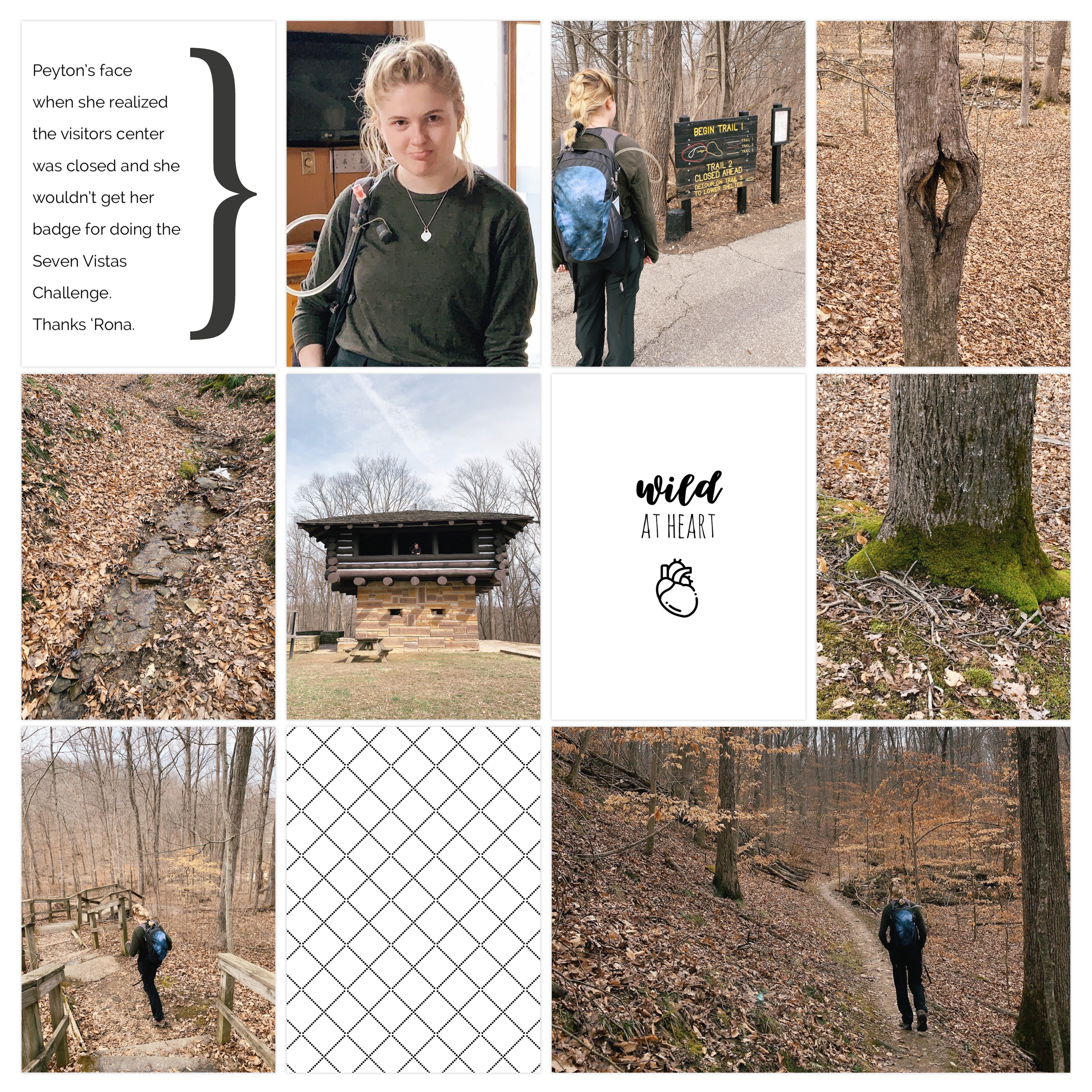
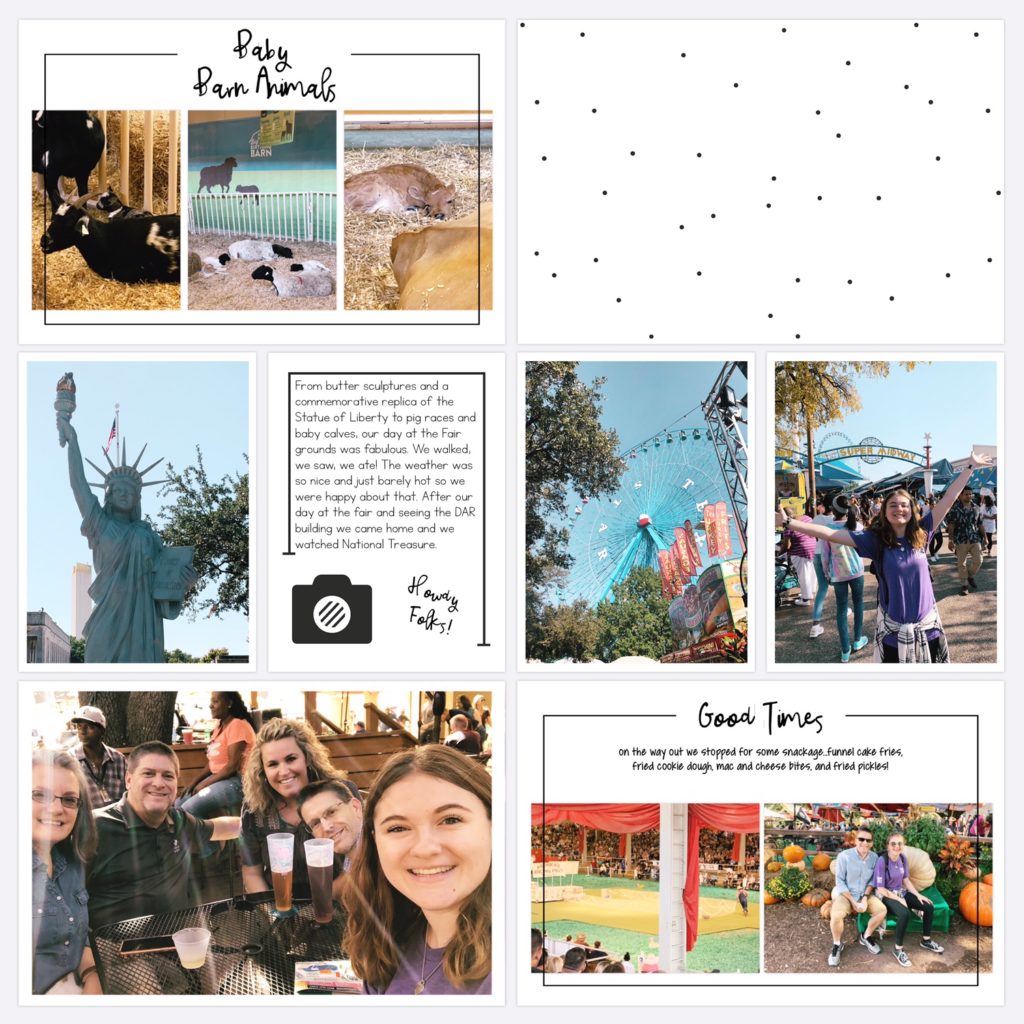
PL App resources- Stampin' Up Design 6a and 6b Collages, Snapshots Edition, Add Your Own Fonts upgrade, Freeform Text Upgrade (to edit the title on the journal card) Other resources- an added font and Project Mouse Adventure paper used as filler card (on The Lilypad)
PL App resources- Stampin' Up Design 6a and 6b Collages, Snapshots Edition, Add Your Own Fonts upgrade, Freeform Text Upgrade (to edit the title on the journal card)

The thought of being able to scrapbook a vacation while still on it was a dream come true for me personally. I could just imagine journaling a little bit about the day on a Project Life App page while it was still fresh on our minds and then also having the ability to to tweak it later when needed! it was truly a game changer in regards to my scrapbooking. Truth be told that second road trip never materialized, but I've used the Project Life App to scrapbook many others and our everyday life as well. It's my go-to method!

After realizing I was completely in with the Project Life App, I looked around for groups on Facebook and came across one called App Scrappers Project Life and Beyond (now called App Scrappers Over and Above Project Life). I joined and became pretty active there. So much so that in 2017 when the original creators of that group decided to split off another group about only the Project Life App, they asked me and Teresa Carlucci to admin it. We said yes and they left it in our hands. I appreciate that they saw the need since that first group was about all apps and could be overwhelming to anyone new. We have also added Meagan Johnson and Ashley Urie to our team because I am thrilled to say it's become a pretty active and healthy group. The members there are super nice and share all sorts of pages for inspiration and a lot of general tips to help us make the most of the Project Life App.

We do not share about any other types of scrapbooking, only app scrapping with the Project Life App. We add our photos and some cards (the ones in the app as well as cards from other online stores) to the pages, journal and edit our photos within the Project Life App's capabilities, and leave it at that. Simply is in the name of our group for a reason. A lot of us tend to overcomplicate scrapbooking thinking we have to have everything in order first, but that's not true. Just start where you are and we can help you with the rest. We want to see people make meaningful progress with their memory keeping. Using this app makes that happen! But, on the flip side, some really know how to make use of the Add Your Own Fonts and the Freeform Text upgrades to do some beautiful embellishing. The creativity astounds me! This group is the only reason I'm still on Facebook at all!

Last year during the pandemic I started hosting Zoom Crops and those have been a blast! There's more information in the Announcements of the group about those times and dates. In the Announcements section of the group there are a lot of FAQs and tutorials. We've compiled a bunch of tips and tricks there! It can be overwhelming but it is the go to place for any questions.
Project Life app travel page collage

Page Within A Page

One of the group's most popular tricks is to create a "page within a page". There are a couple of ways we go about this- simply add an incomplete page back into the pocket of a page then align the borders for a new pocket look or leave some white space for journaling. Here are is an example of both ideas. You can see how one is basic and one was taken to a new level!


1) Page within a Page: Template Smash Up
2) Page within a Page
Project Life app travel page collage

How to Join the Simply Project Life Group

Join the group here for more, we'd love to have you!
Simply Project Life- App Scrappers Group
Simply Project Life on Instagram

Connect with Jenna
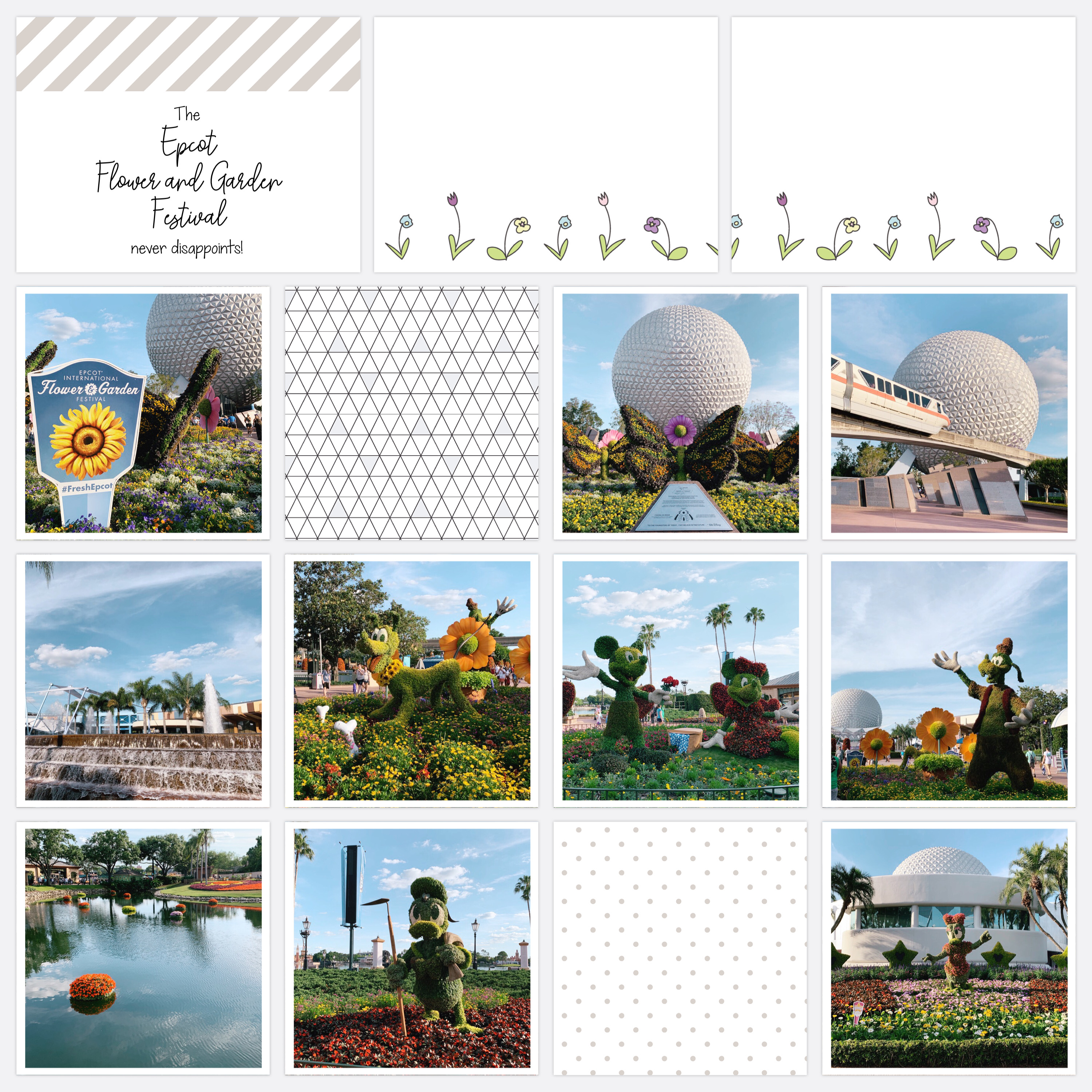
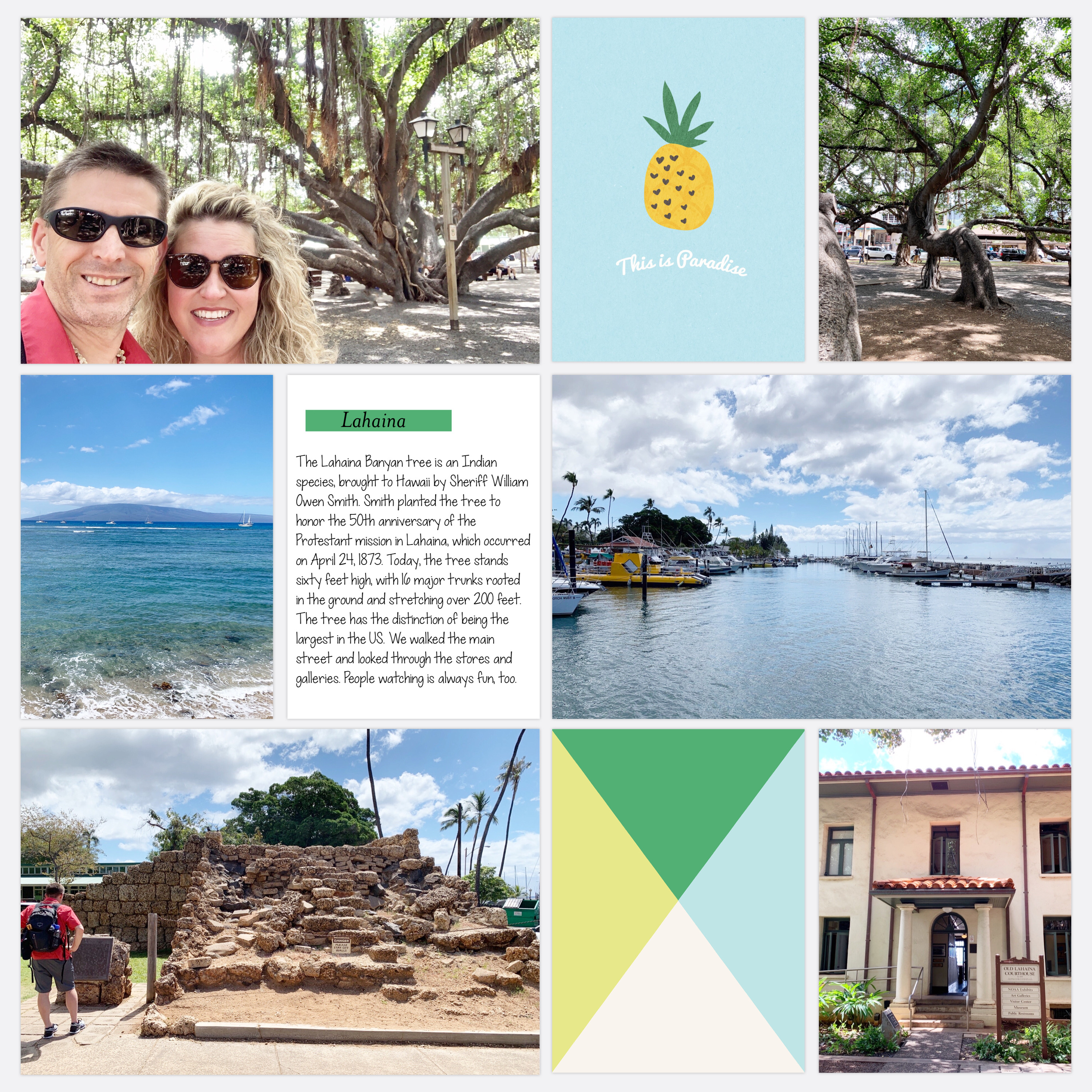
PL App resources- Squared Away 15 Collage, Midnight Edition, It's A Man's World Themed Cards, Project 12 2018 April, Project 12 2019 Overlays, Add Your Own Fonts upgrade, Freeform Text Upgrade. Other resources- added fonts

Facebook - Instagram - Etsy - YouTube - TikTok


Thanks for having me on the blog, it was great to share about our group and the Project Life App!

Jenna Fortner (aka Jenna Scraps)
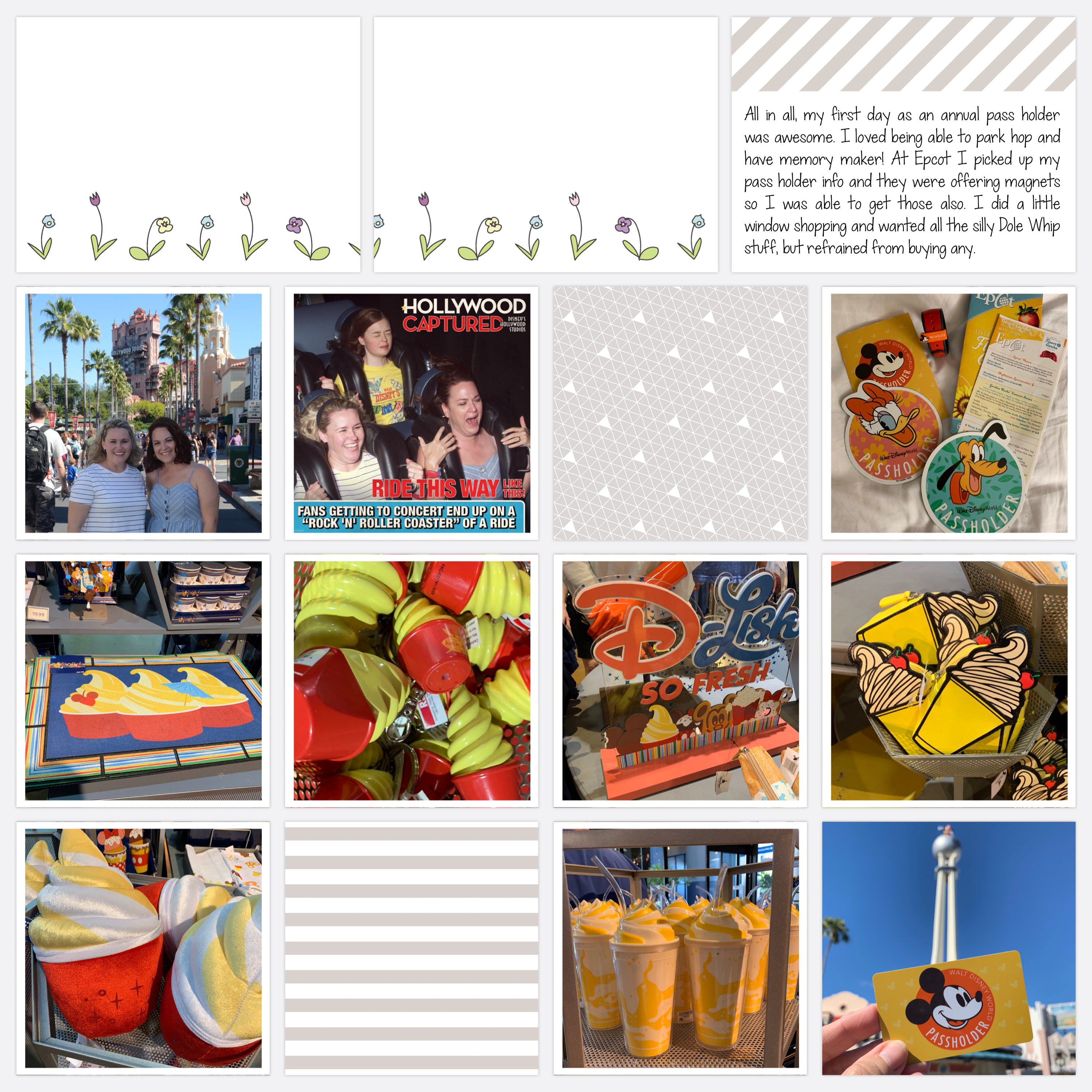
PL App resources- Squared Away 15 Collage, Midnight Edition, It's A Man's World Themed Cards, Project 12 2018 April, Project 12 2019 Overlays, Add Your Own Fonts upgrade, Freeform Text Upgrade. Other resources- added fonts


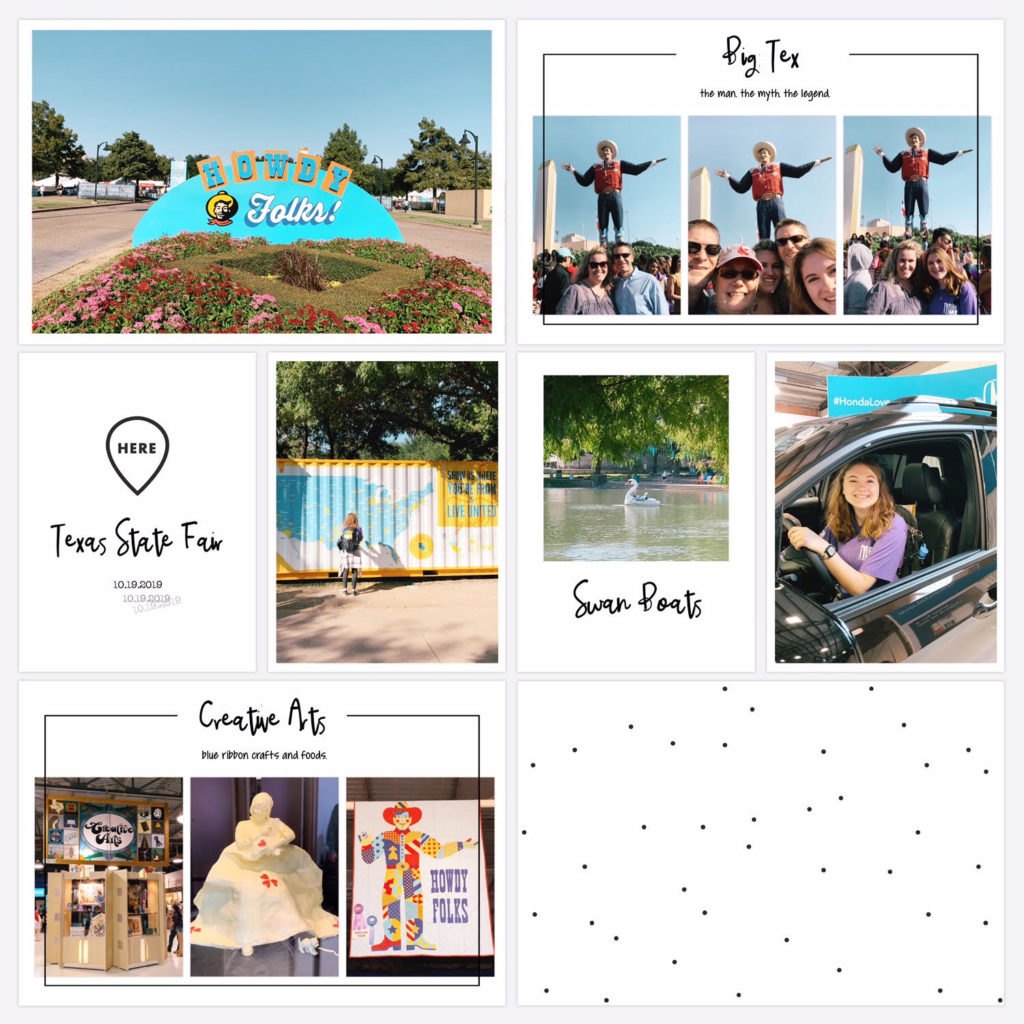
PL App resources- Design F and Design F3 collages, Click Edition, Add Your Own Fonts upgrade, Freeform Text upgrade
Other resources- added fonts, my Travel Cards Set No.1 on Etsy, my Zoom Crop Cards (free to Zoom Crop participants or on Etsy)
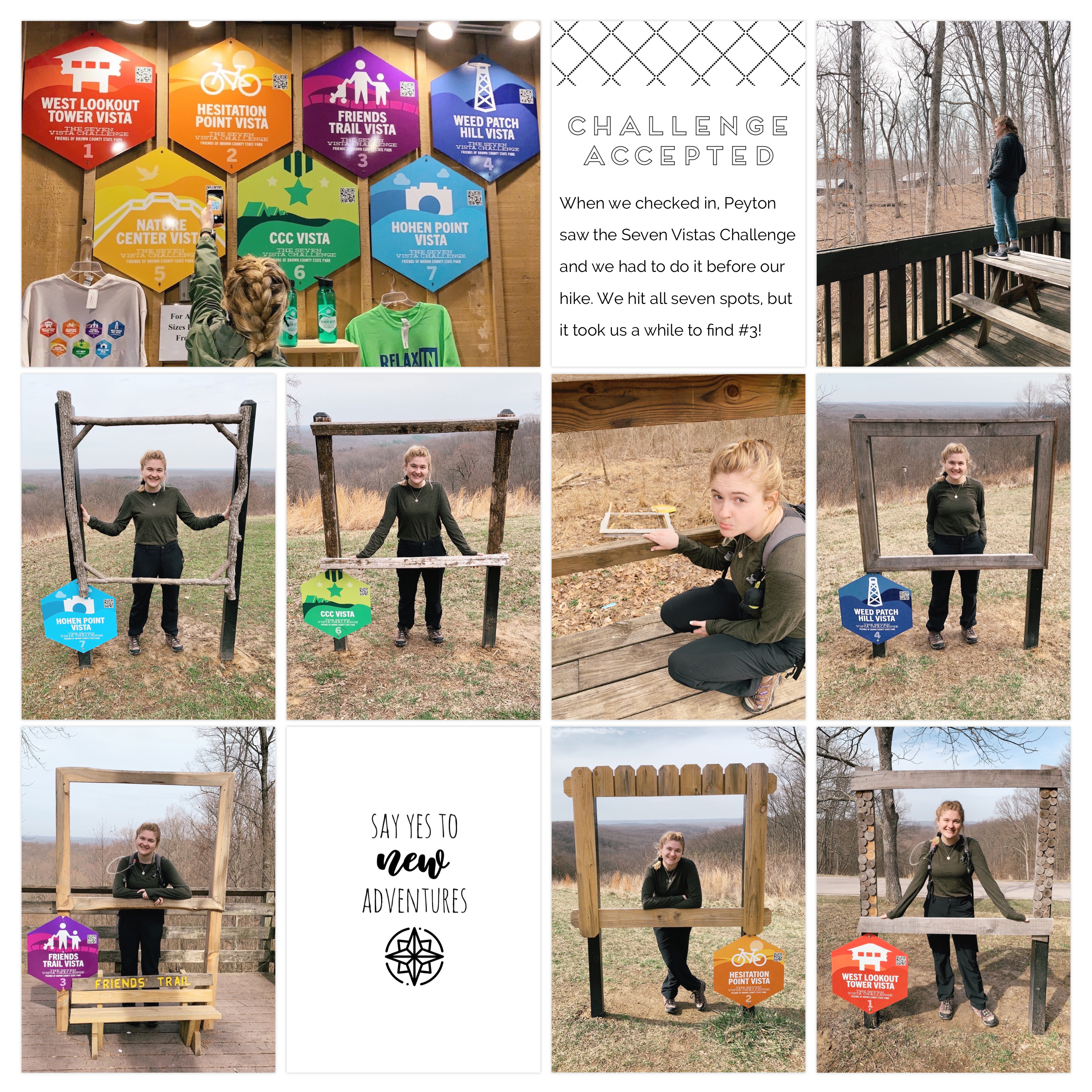
PL App resources- Design F and Design F3 collages, Click Edition, Add Your Own Fonts upgrade, Freeform Text upgrade
Other resources- added fonts, my Travel Cards Set No.1 on Etsy, my Zoom Crop Cards (free to Zoom Crop participants or on Etsy)
See my favourite things in the Digi Scrap HQ Store at Amazon.

I am an Amazon affiliate so may receive a commission if you make a purchase.

Filed Under: Digital Scrapbooking Tagged With: Becky Higgins, community spotlight, interview, Jenna Fortner, pocket page scrapbooking, project life, Project Life app

About Melissa Shanhun

Melissa Shanhun is a Aussie mum of four and avid digital scrapbooker. She loves to show others how fun and easy it can be to record your precious memories with tech tools like Photoshop Elements.

Comments

  1. Jenna Scraps says

    November 5, 2021 at 12:00 am

    Thank you, Melissa!

    Reply
    • Melissa Shanhun says

      November 6, 2021 at 4:24 am

      I’m so happy to have you and your gorgeous pages on the blog 😀

      Reply

Leave a Reply Cancel reply

Your email address will not be published. Required fields are marked *

G’day! I’m Melissa


G’day, I’m Melissa, Aussie mum and digital scrapbook educator. I'm here to help you pair your photos with memories (and fun supplies!) and create your own photo books.
Click Here to Get Started

Search

Youtube

Join us on Facebook

On the Site

ABCs of PSE Adobe Photoshop Adobe Photoshop Elements affiliate Ali Edwards Becky Higgins Christmas Christmas Album Christmas layout ideas Christmas scrapbook Crafts December Daily December Daily Inspiration December Down Under Digital Scrapbook digital scrapbooking digital scrapbook pages Forever giveaway Holiday Faves interview keyboard shortcuts Lain Ehmann Nettio Designs photobook photobooks photo books photo editing Photoshop Photoshop Elements Photoshop Elements Organizer Podcast project life Project Life app PSE13 PSE2021 Scrapbook Scrapbooking Shutterfly templates tools Tutorial tutorials Week in the Life Workshop

Copyright © 2026 Melissa Shanhun 2011-2023

I wish to acknowledge the traditional custodians of the land I live and work on, the Whadjuk (Perth region) people. I acknowledge and respect the continuing Noongar culture and the contribution they make to the life of this city and this region.

Privacy policy

As an Amazon Associate I may earn from qualifying purchases.

We use cookies on our website to give you the most relevant experience by remembering your preferences and repeat visits. By clicking “Accept”, you consent to the use of ALL the cookies.
Do not sell my personal information.
Cookie SettingsAccept
Manage consent

Privacy Overview

This website uses cookies to improve your experience while you navigate through the website. Out of these, the cookies that are categorized as necessary are stored on your browser as they are essential for the working of basic functionalities of the website. We also use third-party cookies that help us analyze and understand how you use this website. These cookies will be stored in your browser only with your consent. You also have the option to opt-out of these cookies. But opting out of some of these cookies may affect your browsing experience.
Necessary
Always Enabled
Necessary cookies are absolutely essential for the website to function properly. These cookies ensure basic functionalities and security features of the website, anonymously.
CookieDurationDescription
cookielawinfo-checkbox-analytics11 monthsThis cookie is set by GDPR Cookie Consent plugin. The cookie is used to store the user consent for the cookies in the category "Analytics".
cookielawinfo-checkbox-functional11 monthsThe cookie is set by GDPR cookie consent to record the user consent for the cookies in the category "Functional".
cookielawinfo-checkbox-necessary11 monthsThis cookie is set by GDPR Cookie Consent plugin. The cookies is used to store the user consent for the cookies in the category "Necessary".
cookielawinfo-checkbox-others11 monthsThis cookie is set by GDPR Cookie Consent plugin. The cookie is used to store the user consent for the cookies in the category "Other.
cookielawinfo-checkbox-performance11 monthsThis cookie is set by GDPR Cookie Consent plugin. The cookie is used to store the user consent for the cookies in the category "Performance".
viewed_cookie_policy11 monthsThe cookie is set by the GDPR Cookie Consent plugin and is used to store whether or not user has consented to the use of cookies. It does not store any personal data.
Functional
Functional cookies help to perform certain functionalities like sharing the content of the website on social media platforms, collect feedbacks, and other third-party features.
Performance
Performance cookies are used to understand and analyze the key performance indexes of the website which helps in delivering a better user experience for the visitors.
Analytics
Analytical cookies are used to understand how visitors interact with the website. These cookies help provide information on metrics the number of visitors, bounce rate, traffic source, etc.
Advertisement
Advertisement cookies are used to provide visitors with relevant ads and marketing campaigns. These cookies track visitors across websites and collect information to provide customized ads.
Others
Other uncategorized cookies are those that are being analyzed and have not been classified into a category as yet.
SAVE & ACCEPT